
A branded starting point
Start with a theme. Make it yours.
Add your logo, colors and copy to a ready-to-use design. Keep the information customers need in an email that feels like your store.
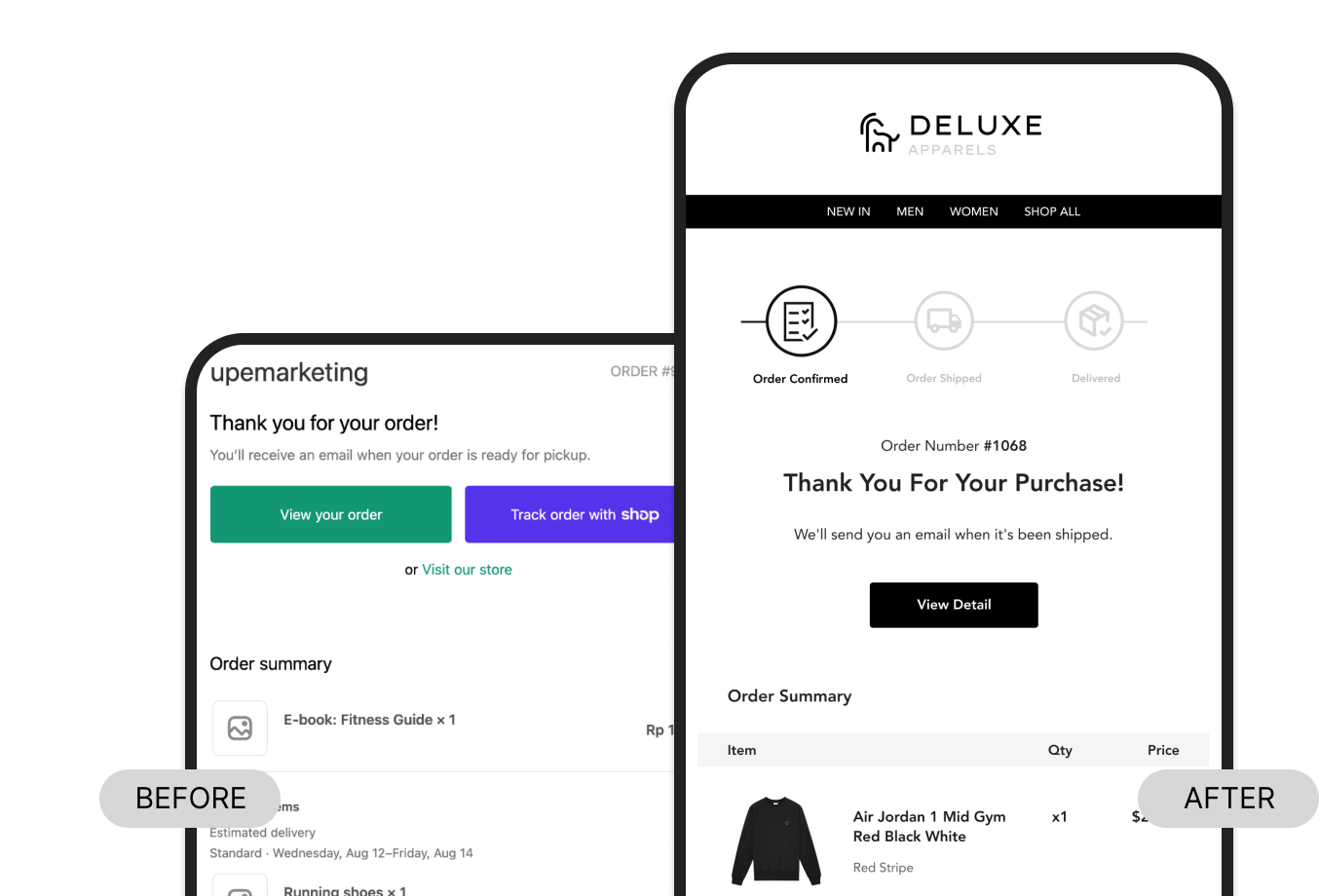
Shopify notification designer
Design notifications across 40+ email types, from order confirmations to returns. Start with a theme, make it yours in the visual editor, then export the code for Shopify.
Visual editing HTML & Liquid export
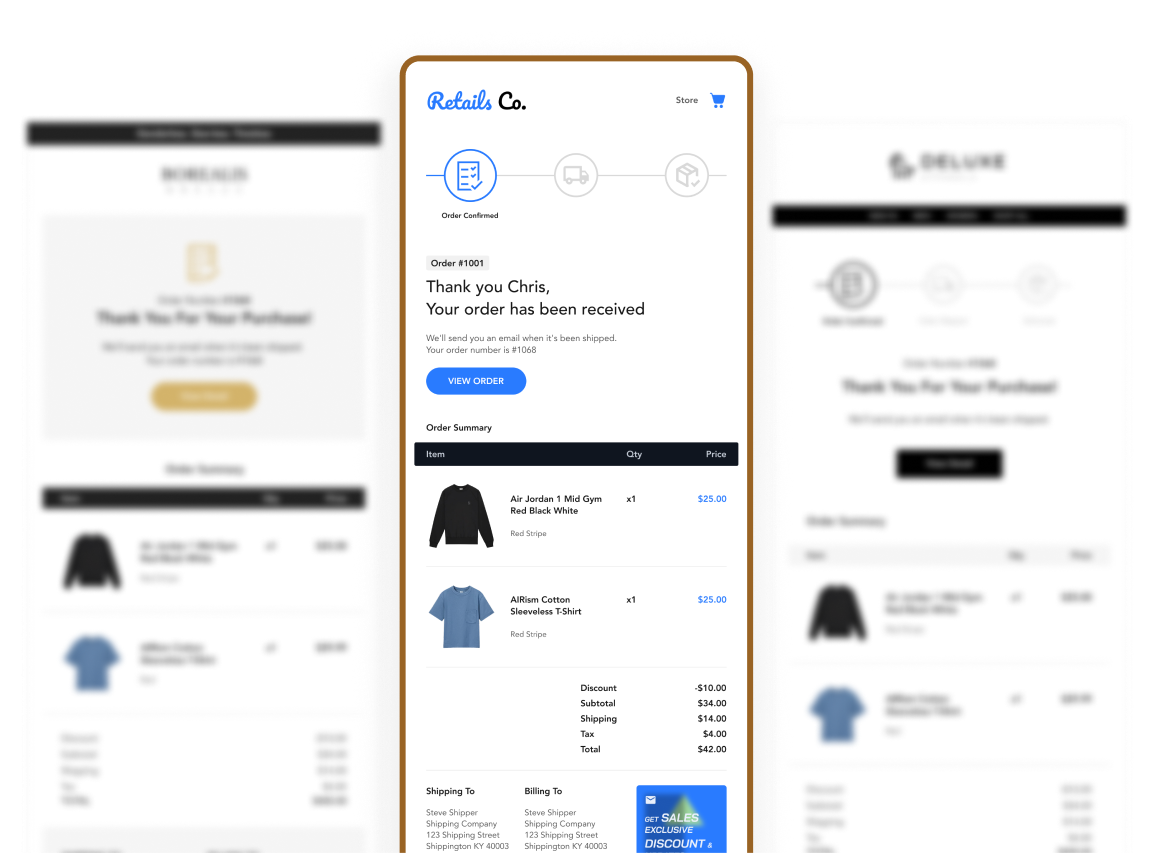
Why Boreal?
Give every customer update the same attention as your storefront.
A branded starting point
Add your logo, colors and copy to a ready-to-use design. Keep the information customers need in an email that feels like your store.
Consistent brand details
Set shared colors and typography in Global Settings, then fine-tune individual blocks for the messages that need them.
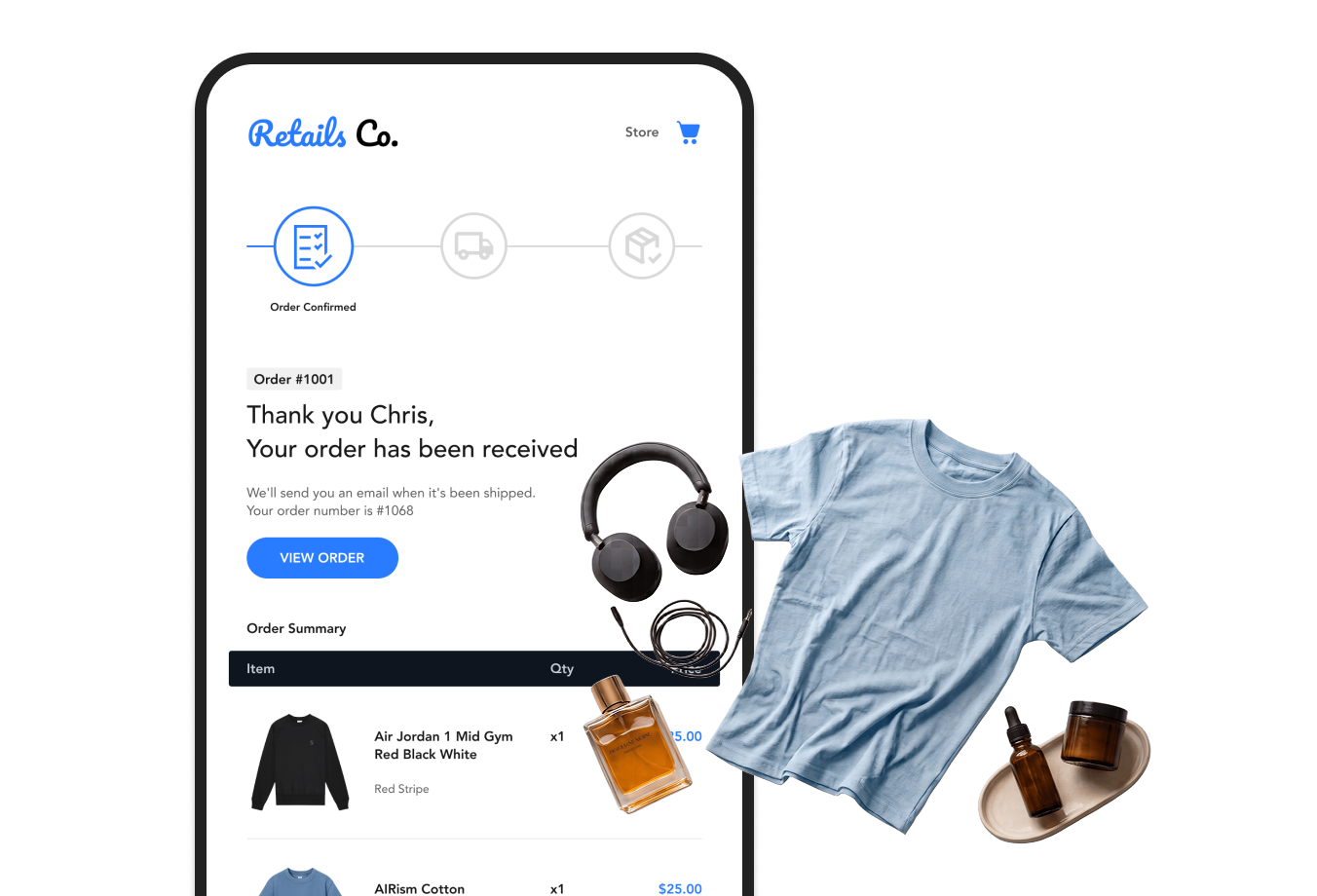
Visual customization
Change supported text, images, spacing and layout settings visually. Preview the result and send a test email before exporting.
More moments covered
Work on available order, shipping, payment, account and return notifications. Export Shopify-ready HTML and paste it into the matching notification.

How it works
Choose a starting point, make it yours,
then install the finished email in Shopify.
Pick a preset and select the notification you want to customize.
Add your logo and copy. Adjust shared colors, typography and supported blocks in the visual editor.
Copy the generated HTML into the matching Shopify notification, preview it there and save.
Ready-to-use designs
Browse Order confirmation examples, then choose a theme to customize for your store.
Explore all themes in Boreal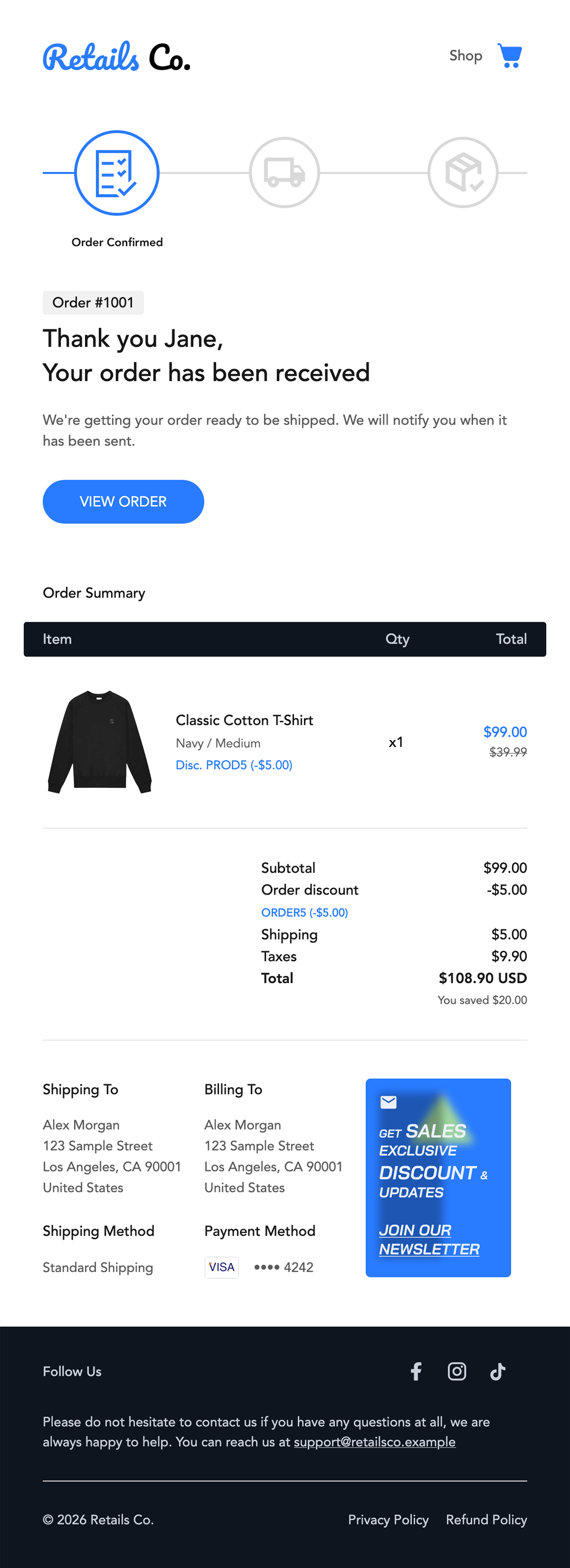
White layout, blue buttons and a dark summary header.
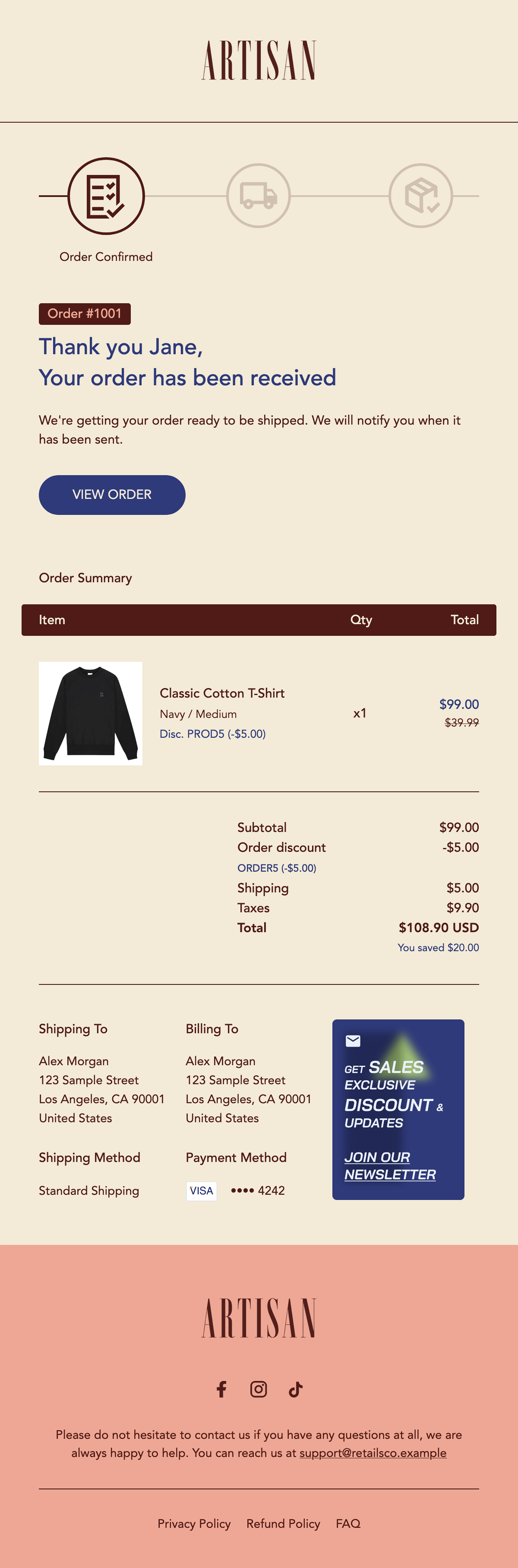
Cream layout, burgundy details and indigo buttons.
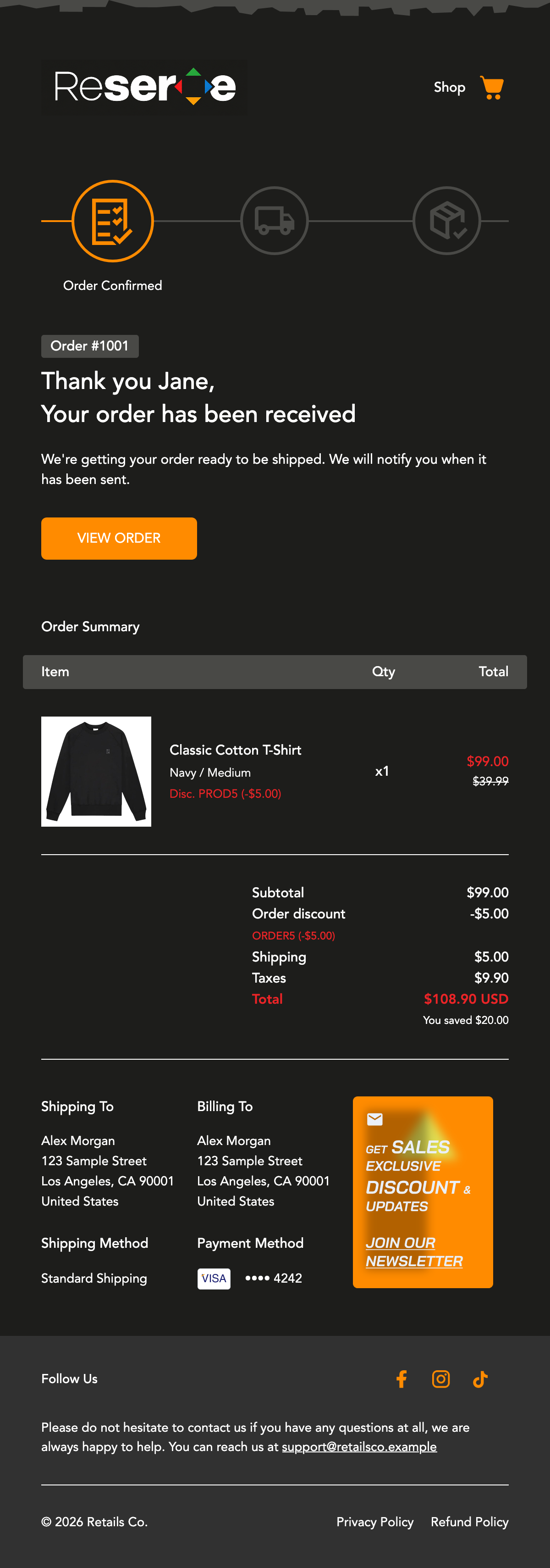
Charcoal layout with orange buttons and accents.
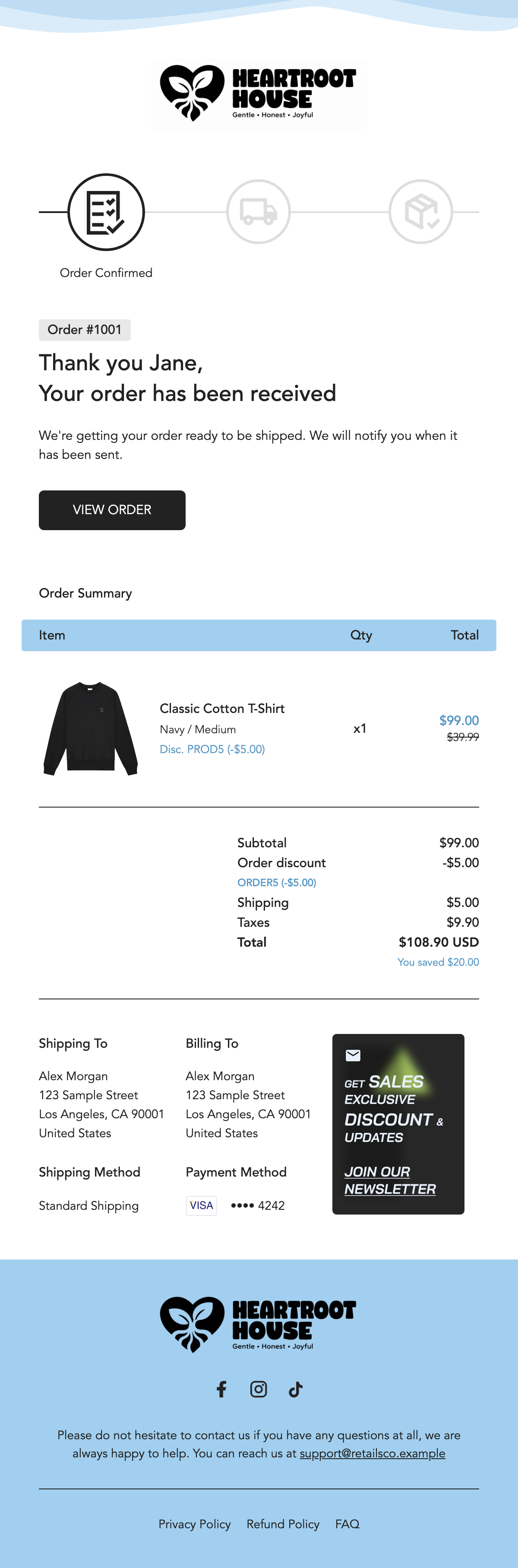
White layout, black buttons and a light blue summary header.
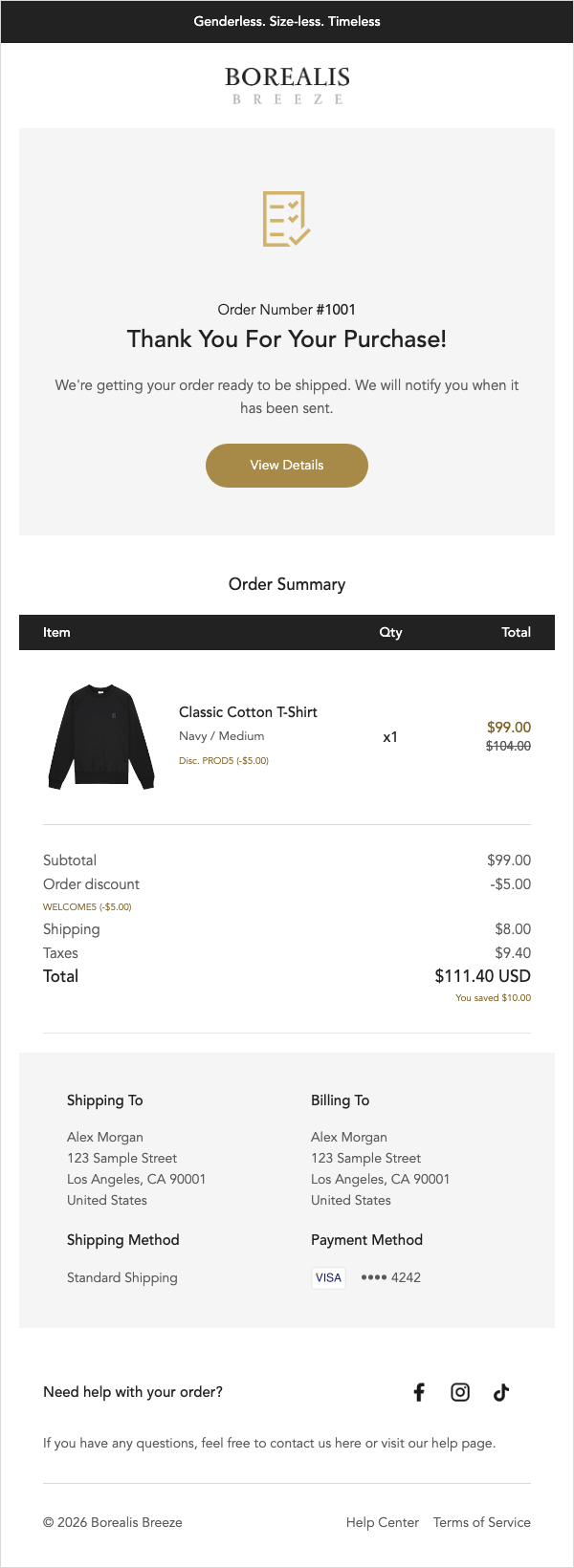
White layout with gold buttons and a centered message.
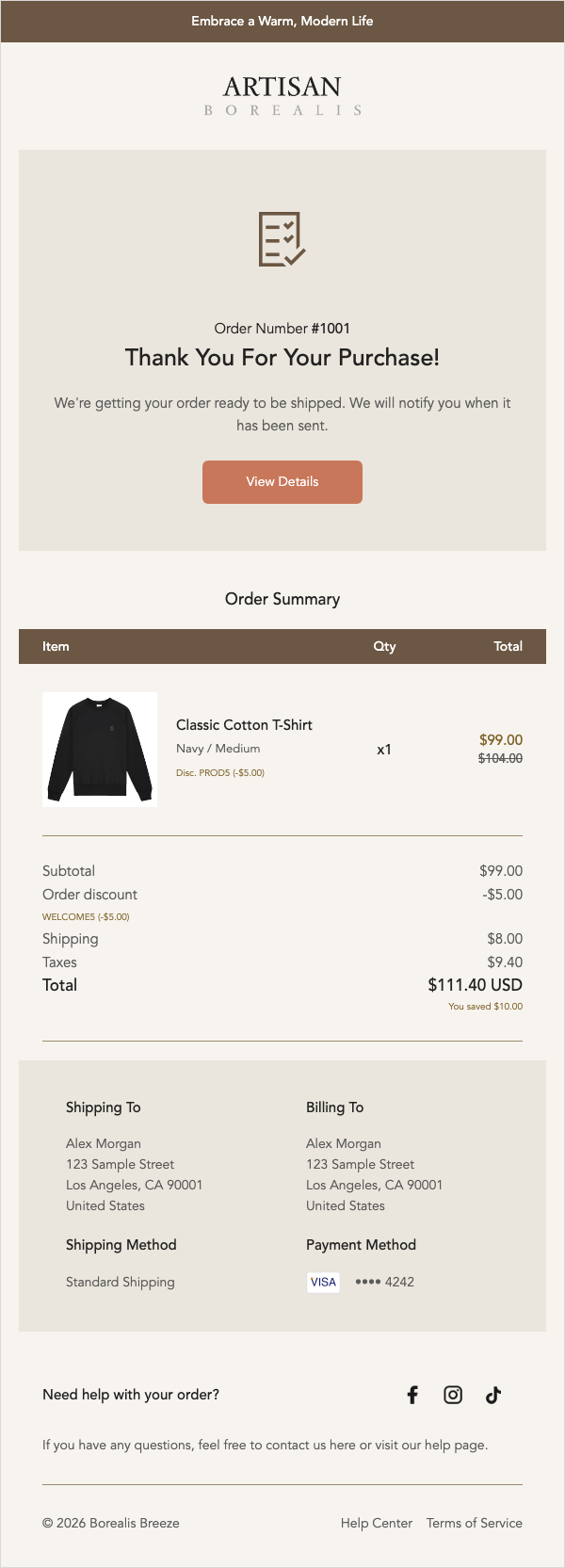
Warm neutral panels with brown details and terracotta buttons.
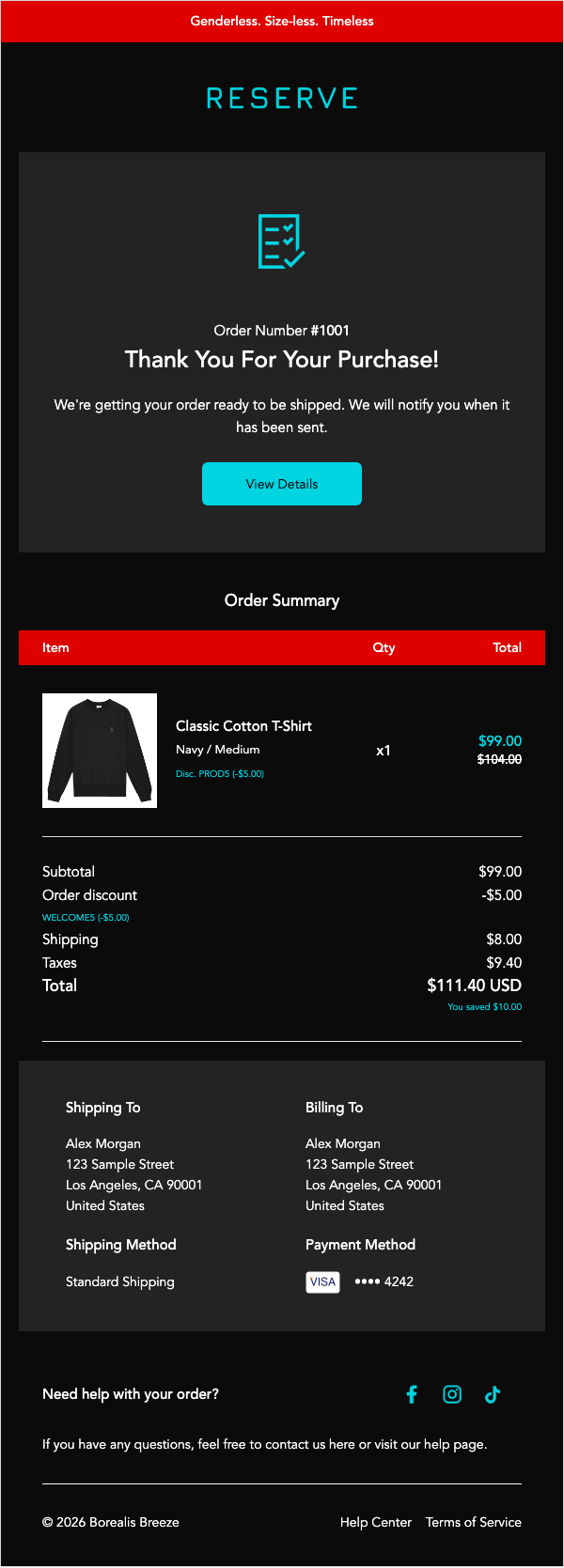
Dark panels with turquoise buttons and accents.
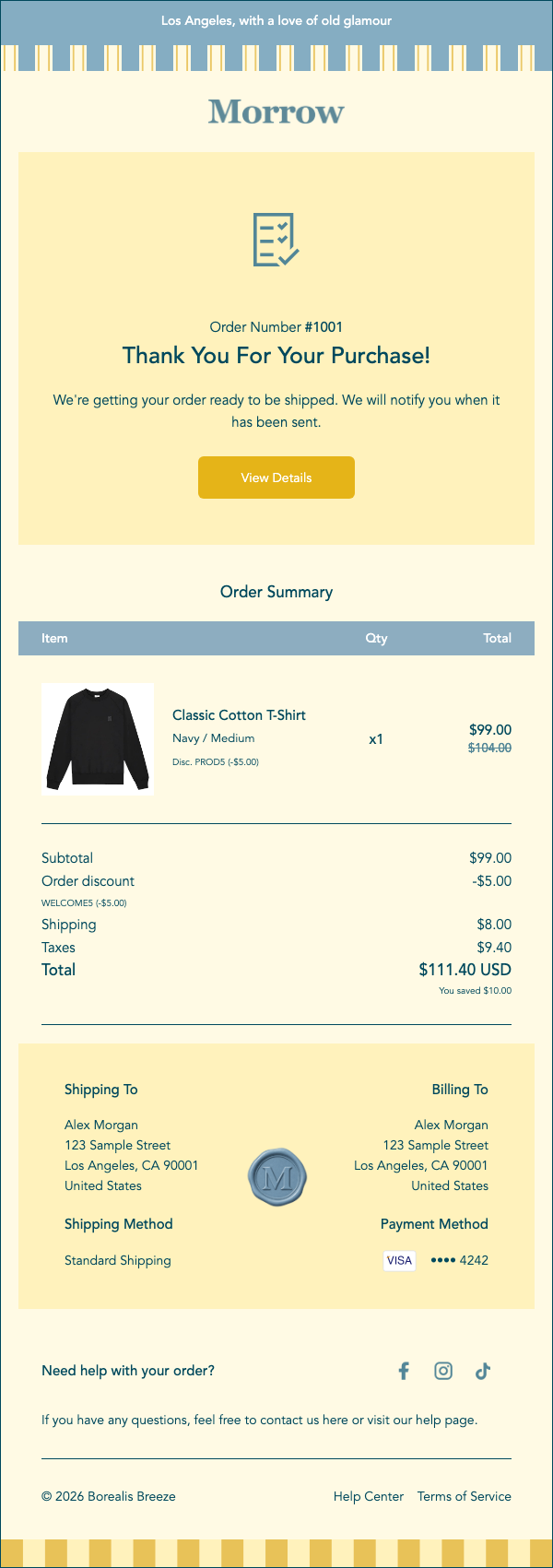
Cream panels, blue details and golden yellow buttons.
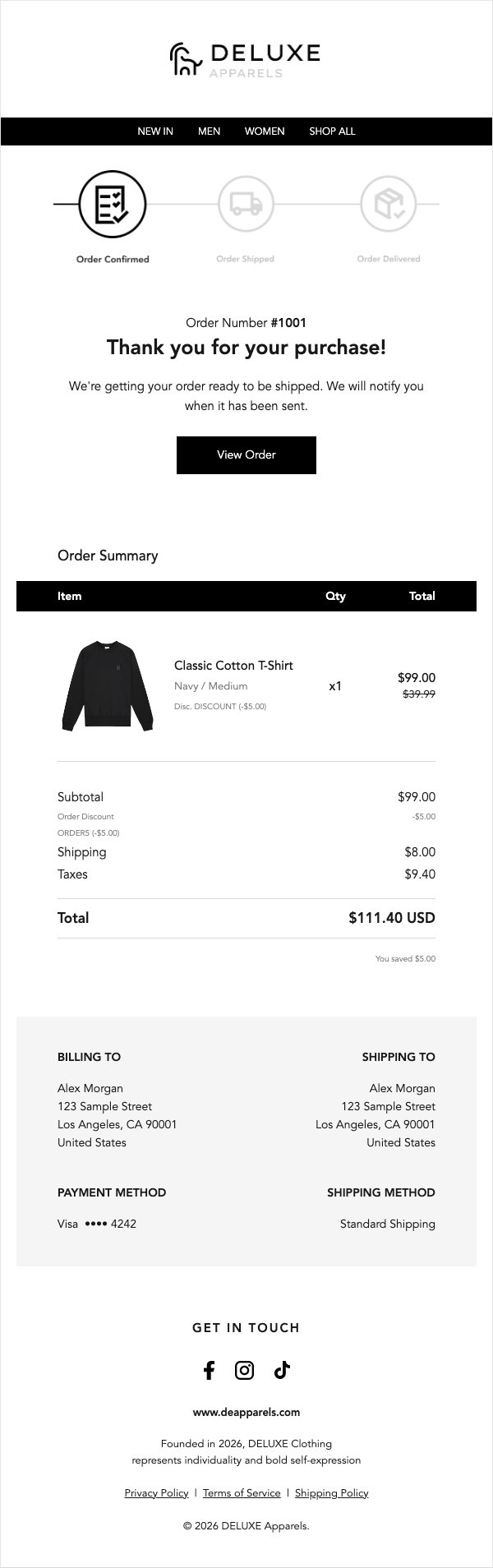
White layout with black navigation and square buttons.
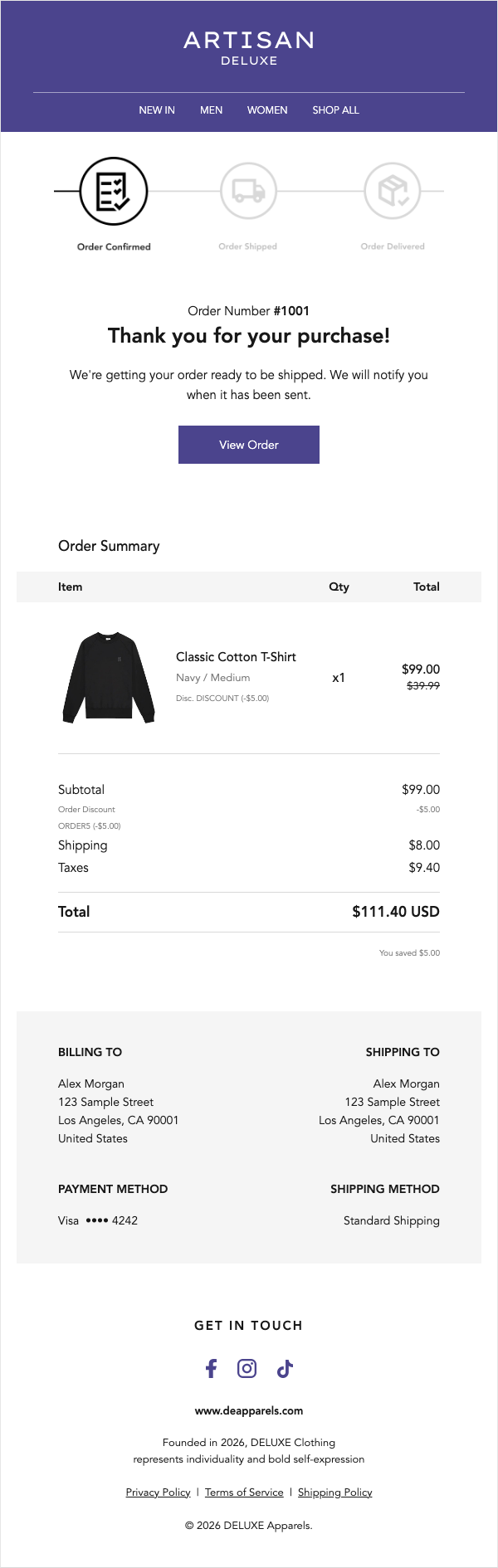
White layout with violet buttons and a light summary panel.
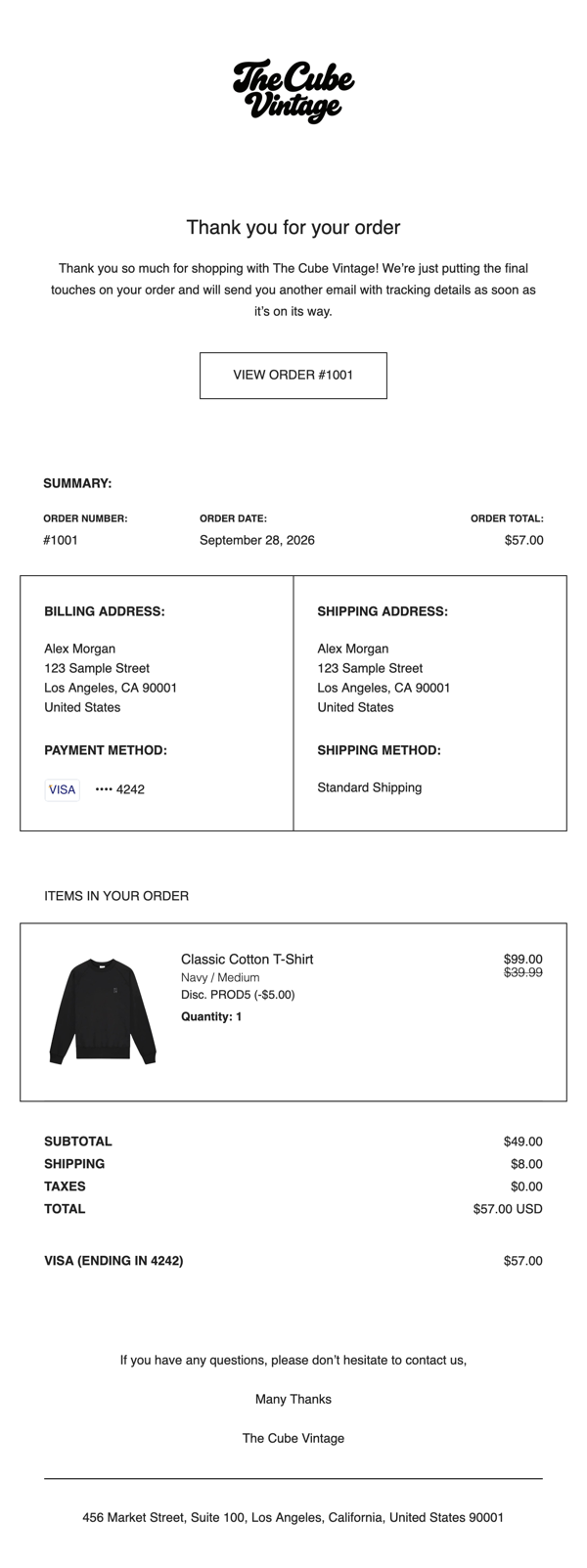
Black type, white panels and outlined buttons.
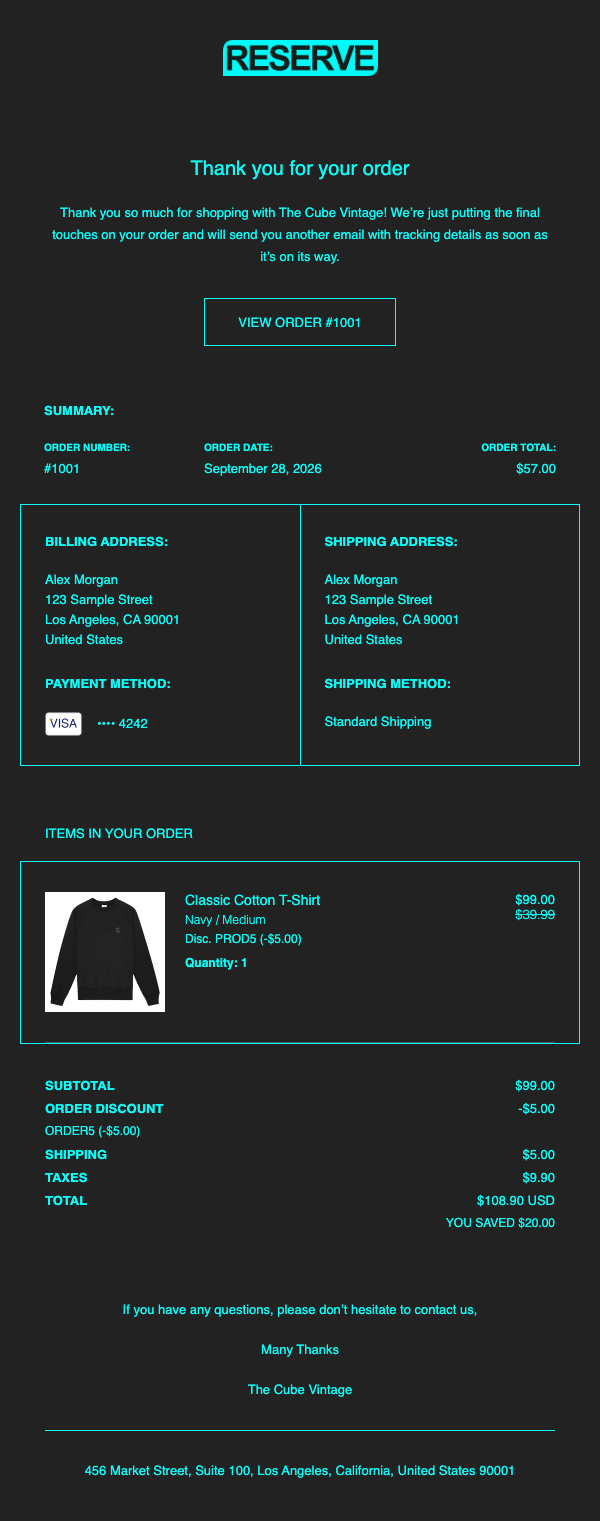
Charcoal panels, cyan text and outlined buttons.
Showing full Order confirmation previews from 12 presets across 4 theme families. Open a theme in Boreal to see its other available emails.
Pricing
Explore every theme for free.
Compare the publishing and project limits below.
Explore every theme and save your first two projects.
$0 to get started
Publish more notification types and keep every project you need.
$59 / year
Annual billing is not available yet. The $59/year price is shown for reference; you can explore themes in the app while setup continues.
Need a little more detail?
Boreal covers 40+ notification types across orders, shipping, payments, customer accounts and returns. Available emails can differ by theme; open a theme in the app to see its full list.
Save and publish your project in Boreal to generate Shopify-ready HTML with Liquid. In Shopify Settings → Notifications → Customer notifications, open the matching email, paste the code, preview it and save your changes.
No. Publishing in Boreal prepares the code and any required images. Your live Shopify notification stays as it is until you replace its code and save it in Shopify. Shopify sends the live email.
Yes. Add your logo, edit supported text and images, and use Global Settings for shared colors and typography. You can also adjust individual blocks where the theme supports them.
Yes. Preview your changes in Boreal and send a test email to an address you control. Check the finished notification again in Shopify before you save it live.
No. You can make supported changes in the visual editor. Boreal generates HTML with Shopify Liquid for the notification you select; you then copy that code into Shopify.
Read-only product access lets you choose product details and images for your emails. File access lets Boreal add images for exported templates to your Shopify Files. Boreal does not change your existing products or files, and it does not request access to customer or order records.
Uninstalling ends Boreal's access to your store. When Shopify later sends its store-data deletion request, Boreal removes your saved projects, previews, reusable blocks, support conversations and store-specific app assets. Images added to Shopify Files remain in your store for you to manage.
Yes. You can browse and edit every theme, save up to two projects, and publish Order confirmation in Retails Co Classic on Free. Annual is listed at $59/year and adds publishing for other available emails and unlimited saved projects. Annual billing is still being prepared; no purchase happens on this site.
No. Boreal helps you design Shopify notification templates and send tests you request. It does not run marketing campaigns or send your store's live notifications; Shopify sends those.
Our story
After years of building custom Shopify notification templates, we kept hearing the same requests: emails that matched the store, clear updates for customers, and an easier way to make changes.
Boreal brings those lessons into a visual editor with ready-to-use themes and shared brand settings, so merchants can shape their own notifications.
Start with your next notification
Explore a theme, preview your changes, and bring the finished design into Shopify.
Open Boreal